The Shopify Amazon Integration Playbook: From Two Stores to One Empire

Quick Summary (TL;DR)
• Expand Your Kingdom: Shopify Amazon integration isn't about choosing a side; it's about conquering new territory. You get to place your products in front of Amazon's colossal customer base while keeping your brand's home base on Shopify.
• Unified Command Center: Stop the madness of juggling two separate businesses. This integration lets you manage products, inventory, and sales from your familiar Shopify dashboard, turning chaos into streamlined efficiency.
• Profit Without Pitfalls: Success lies in the details. By mastering inventory syncing, understanding UPC requirements, and leveraging the right data, you can avoid common traps and turn multi-channel selling into a massive competitive advantage.
—
You’ve done everything right. You built a beautiful Shopify store, curated amazing products, and even figured out that TikTok dance everyone’s doing. But lately, growth feels like you’re pushing a boulder uphill. You’re spending a fortune on ads just to get a trickle of traffic, while a retail giant with over 300 million active customers is humming along just a few clicks away. That giant, of course, is Amazon.
For years, the narrative has been “Shopify vs Amazon.” A battle of the independent brand versus the everything store. But what if that’s the wrong way to think about it? What if, instead of competitors, they could be your ultimate power couple? This is the promise of Shopify Amazon Integration. It’s a strategic move that allows savvy eCommerce sellers to get the best of both worlds: the brand control and customer relationships of Shopify, and the unparalleled reach of Amazon. This guide is your playbook for making it happen, turning two separate channels into a single, cohesive empire.
What Exactly Is a Shopify Amazon Integration?
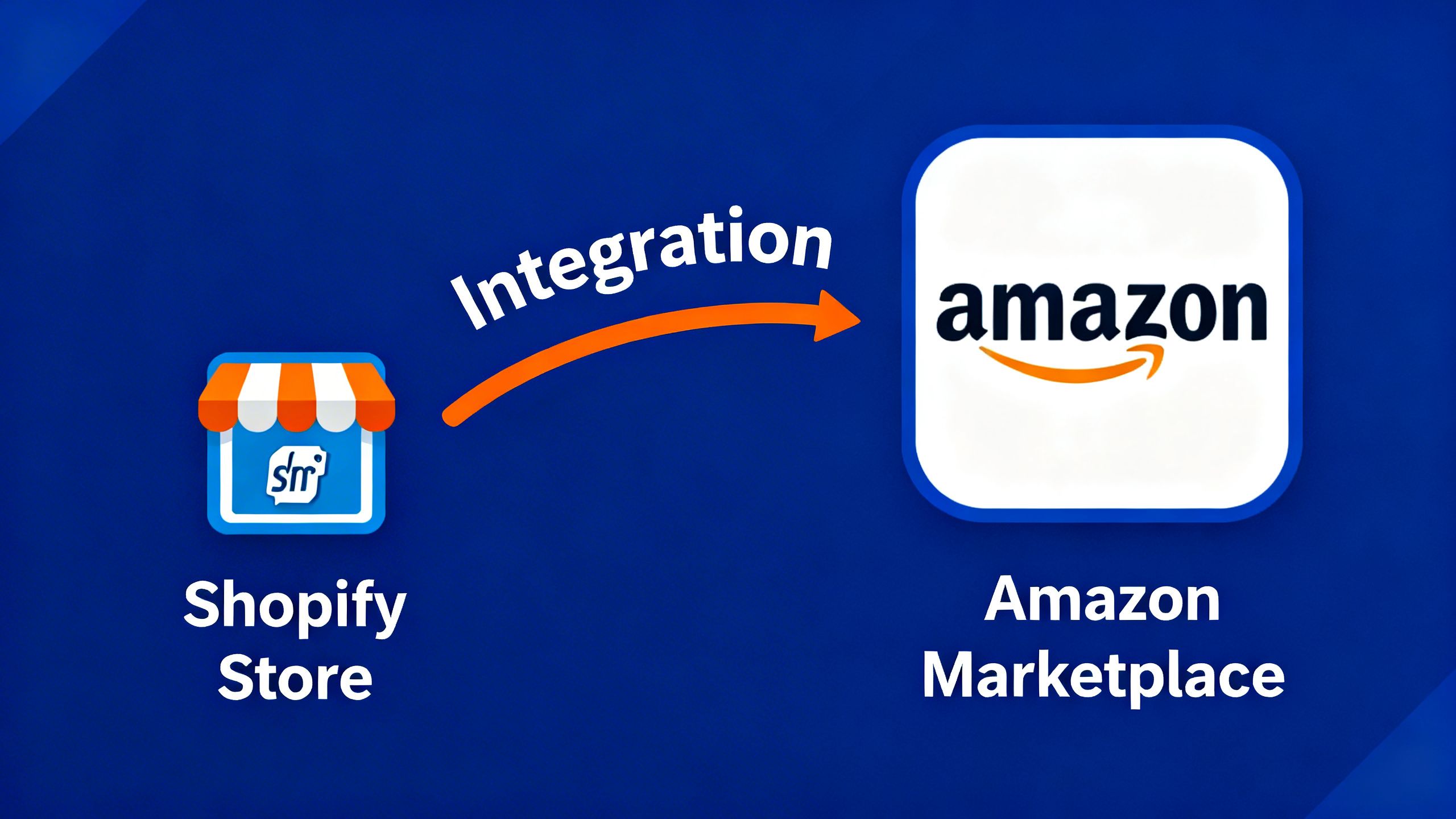
Let's clear this up right away: Shopify Amazon Integration is not about abandoning your Shopify store. Think of it as building a bridge. It’s a feature, available directly within Shopify, that connects your store to an Amazon Professional Seller account. This connection allows you to:
- List your Shopify products on the Amazon marketplace.
- Sync inventory levels between both platforms to prevent overselling.
- Manage your Amazon orders directly from your Shopify dashboard.
- Reconcile sales data from a single source of truth.
Essentially, you’re using Shopify as the central hub for your entire eCommerce operation, while using Amazon as a massive, high-traffic sales channel. It’s about working smarter, not harder.
Why You Should Care: The Multi-Channel Mandate
If you're serious about scaling, relying on a single channel is like betting your entire life savings on one stock. Diversification is key. Here’s why integrating with Amazon is a non-negotiable strategy for ambitious Shopify sellers.
Tap into Amazon's Ocean of Customers: Unbeatable Reach
Building a brand from scratch means fighting for every single visitor. Amazon, on the other hand, is where the customers already are. Millions of them. They start their product searches there, they trust the platform, and they’re primed to buy.
A staggering 63% of online shoppers start their product search on Amazon. By not being there, you're invisible to the majority of potential buyers.
By listing your products on Amazon, you’re not just opening another store; you’re setting up a high-visibility billboard in the world's busiest digital shopping mall. This is traffic you don’t have to pay for with expensive ads—it’s built-in.
Centralize Your Command Center: Simplified Operations
Running one online store is hard enough. Running two can feel like a full-blown identity crisis. Different dashboards, separate inventory counts, conflicting sales data—it’s a recipe for burnout and costly mistakes.
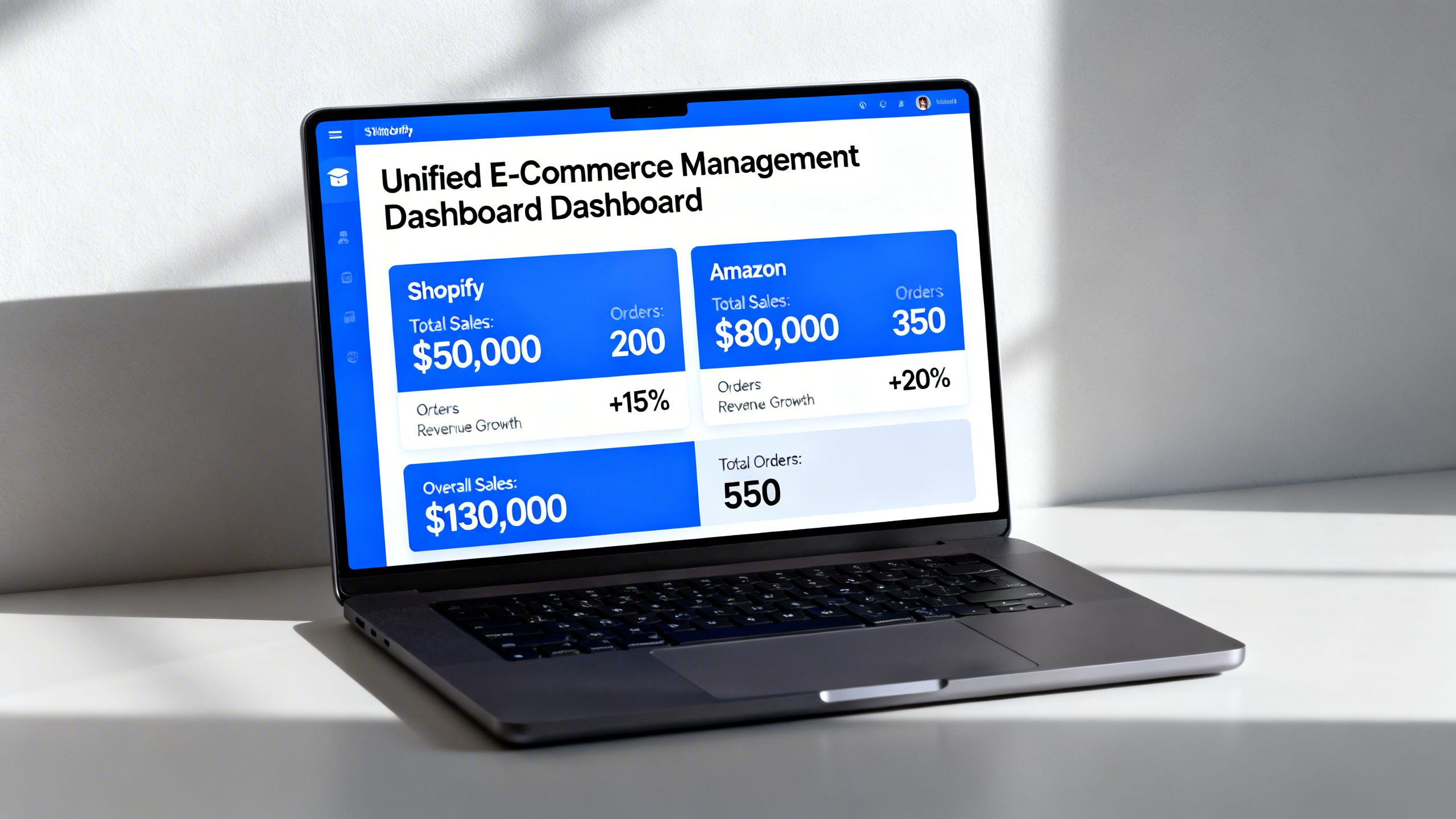
The beauty of the Shopify Amazon integration is that it funnels everything back to your Shopify admin. An order on Amazon appears on your Shopify orders page, marked with a little Amazon logo. A sale on Shopify automatically updates the stock count on your Amazon listing. This creates a single source of truth, which is critical for making smart decisions. You’re no longer a manager of two separate shops, but the CEO of a unified brand presence.
The Step-by-Step Guide to Integrating Shopify with Amazon
Alright, let's get down to brass tacks. Setting this up is surprisingly straightforward if you follow the right steps. Here’s your game plan.
Step 1: Prep Work: Getting Your Accounts in Order
Before you can build the bridge, you need solid ground on both sides. This means having your Shopify store ready and setting up the right kind of Amazon account.
- Get an Amazon Professional Seller Account: This is non-negotiable. The integration does not work with a personal/individual seller account. The Professional account has a monthly fee but offers lower per-item fees and, most importantly, access to the tools you need to connect with Shopify. Head over to Amazon Seller Central to get started.
- Check for Category Approvals: Some product categories on Amazon are “gated,” meaning you need special approval to sell in them (e.g., fine jewelry, collectibles, certain grocery items). Check Amazon’s list of restricted categories before you start to avoid hitting a wall later.
Key Tip: Make sure your Shopify store's currency matches the Amazon marketplace you plan to sell on (e.g., USD for Amazon.com). A mismatch will halt the integration process.
Step 2: The Handshake: Connecting the Amazon Sales Channel
Now for the magic. Inside your Shopify admin, you’re going to officially connect the two platforms.
- From your Shopify admin, click the
+button next to Sales Channels. - Find “Amazon by Shopify” in the list and click “Add channel.”
- You’ll be taken to a new screen. Click “Connect to Amazon.”
- Follow the on-screen prompts to log in to your Amazon Seller Central account and grant the necessary permissions.
Once you’ve completed this, Shopify and Amazon will be able to share data. Your Shopify admin is now your mission control for both channels.
Step 3: Listing and Linking: Getting Your Products Live
This is where you decide which products go on sale on Amazon. You have two main paths:
- Creating New Listings: If your product is unique to your brand, you’ll create a new listing on Amazon directly through Shopify. You’ll be prompted to choose a category and fill in product details. This is where having your UPCs (Universal Product Codes) is critical. Amazon requires a valid product identifier for most new listings.
- Linking to Existing Listings: If you’re reselling a product that already exists on Amazon, you can search for it and link your offer to that listing. You’ll compete with other sellers on price and fulfillment speed.
Key Tip: Do not cheap out on UPCs! Buying recycled or fake UPCs from sketchy websites is a fast track to getting your Amazon account suspended. Purchase your codes directly from GS1, the official source.
Shopify Amazon Integration: Best Practices for Success
Connecting the channels is just the beginning. Thriving requires a smart strategy.
Mastering Inventory Management
This is arguably the most critical piece of the puzzle. When you link a product, Shopify will ask how you want to manage inventory. You can let Shopify track inventory, which is the recommended setting. This means when a product sells on either platform, the stock count is automatically adjusted on the other. This simple setting prevents you from selling a product you don’t have, saving you from angry customers and potential account penalties.
Pricing Strategy Across Channels
Should your prices be the same on Shopify and Amazon? There’s no single right answer. Some sellers maintain uniform pricing for brand consistency. Others price slightly higher on Amazon to account for the referral fees (typically around 15%) that Amazon charges on each sale. Consider your margins, your brand perception, and your competition on Amazon before setting your prices.
Real-World Scenarios: From Chaos to Control
The Seller Who Doubled Sales by Tapping into Prime
Consider a brand selling high-quality leather goods on Shopify. Their growth plateaued at $20k/month. By integrating with Amazon and using Fulfillment by Merchant (FBM), they exposed their products to millions of new shoppers. They didn't use FBA, so they still controlled their own shipping and branding on the packaging. Within six months, their Amazon channel was matching their Shopify sales, effectively doubling their revenue without doubling their marketing spend.
How Centralized Reporting Uncovered Hidden Profits
A supplement company was selling on both channels but treated them as separate businesses, pulling reports from two different systems. It was a nightmare. After integrating, all their sales data flowed into Shopify. They could finally see their true bestsellers across the entire business, not just on one channel. This allowed them to optimize their ad spend and inventory, boosting overall profitability by 15%.
Common Traps and How to Dodge Them
While powerful, this integration has a few landmines. Here’s how to avoid them.
The UPC Code Catastrophe: A Costly Mistake
As mentioned, using invalid UPCs is a cardinal sin on Amazon. The platform's system will flag them, and your account could be suspended indefinitely. It might seem like a small detail, but it’s a foundational requirement. If you are brand registered on Amazon, you may be able to get a GTIN exemption, but for most sellers, authentic GS1 codes are the only safe path.
Ignoring Fulfillment Differences (FBM vs. FBA)
The native Shopify integration is designed for Fulfillment by Merchant (FBM), where you ship your own orders. If you use Fulfillment by Amazon (FBA), where Amazon stores and ships your products, you'll need a third-party app to sync inventory properly. Misunderstanding this distinction can lead to a logistical nightmare of lost orders and incorrect stock levels.
Why TrackIQ Matters: Your Multi-Channel Co-Pilot
Once you're selling on both Shopify and Amazon, a new problem emerges: data overload. You have more customers and more sales, but also more complexity. How do you know which channel is more profitable? Where are your margins being eroded? Answering these questions usually involves hours of painful spreadsheet work, exporting CSVs from both platforms and trying to stitch them together.
This is where you need an AI co-pilot. Instead of drowning in data, you can simply ask questions. AI agents are coming for your eCommerce stack, and for good reason. Tools like TrackIQ are designed for this new era of multi-channel commerce.
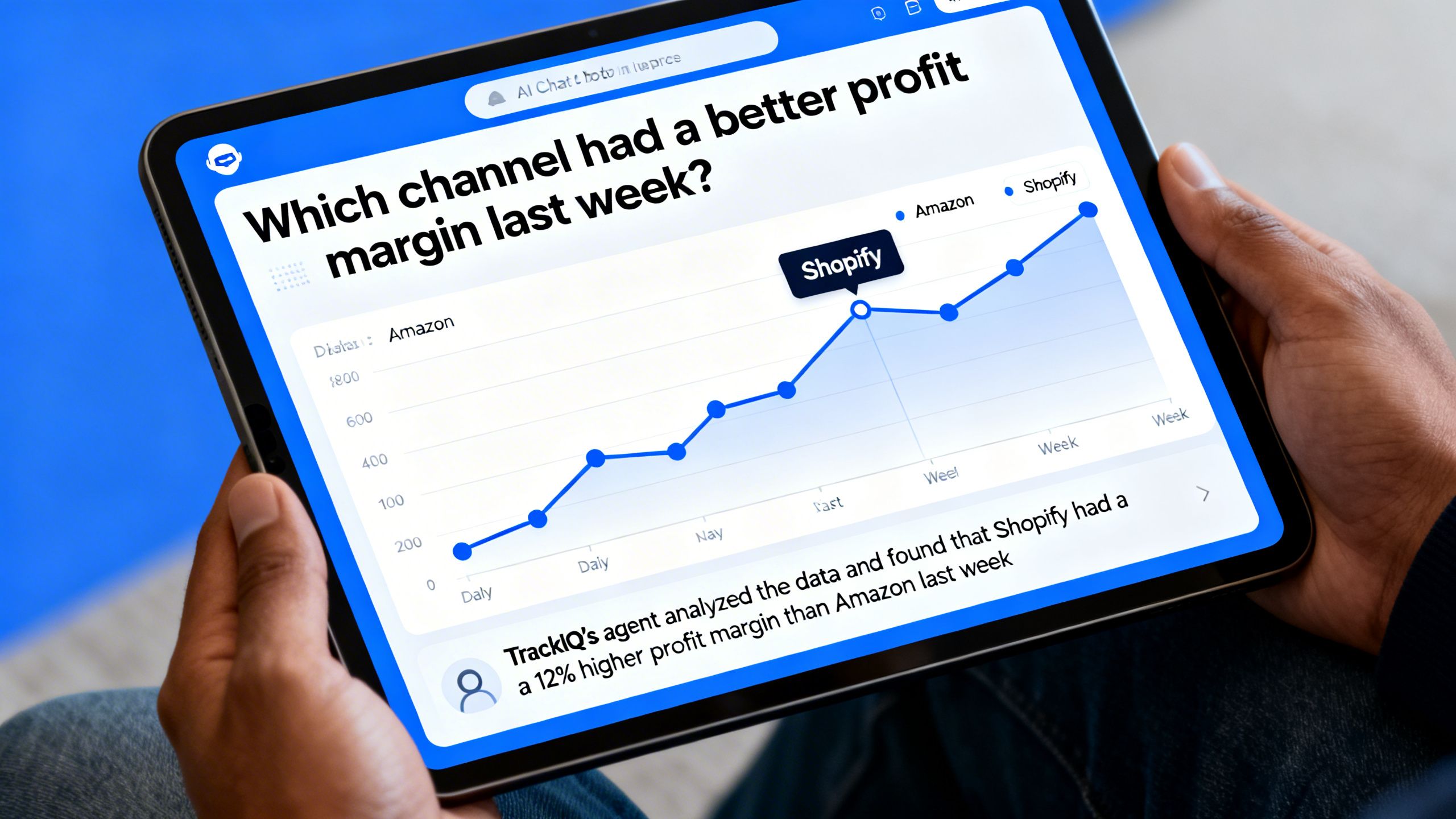
With TrackIQ, you connect your accounts, and our AI gets to work. You can ask plain English questions like:
“Compare my revenue from Shopify and Amazon for last month.”“What was my most profitable product across all channels?”“Alert me if my ACOS on Amazon goes above 30% for any campaign.”
TrackIQ’s AI-powered agent transforms data from a burden into a strategic advantage. It replaces the hours you’d spend on manual analysis, allowing you to focus on growth. Instead of wrestling with pivot tables, you can have a conversation about your business and get instant, actionable insights. It’s the missing piece for truly optimizing a multi-channel operation, letting you ask questions and get real answers from your own data.
Your Next Move: From Integration to Domination
Here are the key takeaways to remember:
- Integration is a Growth Strategy: Think of the Shopify Amazon integration as a strategic lever for massive audience expansion, not just a technical task.
- Centralization is Your Superpower: Use Shopify as your command center to manage inventory and orders efficiently. This is the key to scaling without losing your sanity.
- Data Dictates Dominance: Once you’re multi-channel, your success depends on your ability to understand the combined data. Don't guess when you can know.
Conclusion
In today's competitive landscape, you can't afford to have your brand siloed on a single platform. The Shopify Amazon integration is your ticket to building a more resilient, far-reaching, and profitable business. It combines the brand-building power of your own store with the raw traffic and sales velocity of the world's largest marketplace.
By following the steps in this playbook, you can avoid the common pitfalls and set yourself up for success. The future of eCommerce isn't about choosing one platform over another; it's about making them work together. So go ahead, build that bridge. And when the data starts flowing, have an AI co-pilot like TrackIQ ready to help you navigate your new, larger empire.
—