Amazon Fulfillment Outbound: Complete Guide for Amazon Sellers & Agencies
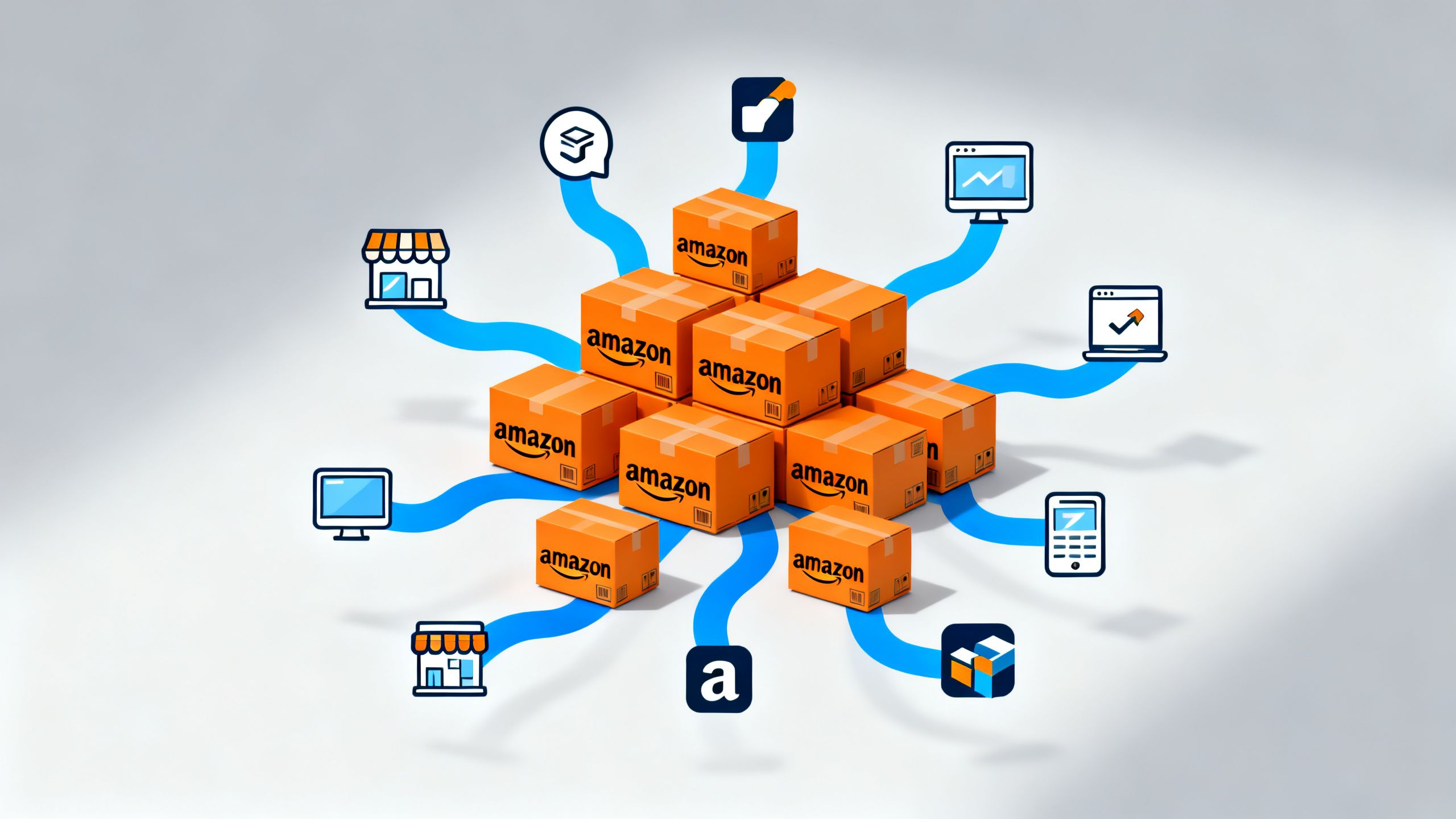
Are you struggling to manage inventory across multiple sales channels? Do you worry about the security of high-value shipments and the potential for customer disputes over lost packages? For many Amazon sellers and agencies, expanding beyond the Amazon marketplace introduces significant logistical headaches. Juggling inventory for your website, social commerce, and other platforms while using different fulfillment services is inefficient and costly. This is where leveraging your existing FBA setup becomes a game-changer. This comprehensive guide will explore Amazon Fulfillment Outbound, a powerful service that streamlines your operations. We'll cover everything from its core definition and benefits to a step-by-step walkthrough of its latest feature—signature confirmation—ensuring your multi-channel strategy is both efficient and secure.
What is Amazon Fulfillment Outbound?
Amazon Fulfillment Outbound, often referred to as Multi-Channel Fulfillment (MCF), is a service within Fulfillment by Amazon (FBA) that allows sellers to fulfill orders from sales channels other than Amazon. In simple terms, you can use the inventory you already have stored in Amazon's fulfillment centers to ship orders placed on your own website (like Shopify or WooCommerce), other marketplaces (like eBay), or even social media platforms. When a customer buys from one of your off-Amazon channels, you submit a fulfillment request to Amazon, and they will pick, pack, and ship the order directly to your customer using their world-class logistics network. This service effectively turns Amazon into your centralized logistics hub, simplifying inventory management and order fulfillment across your entire business.
Why Amazon Fulfillment Outbound Matters for Your Business
Integrating Amazon Fulfillment Outbound into your strategy is more than a convenience; it's a significant competitive advantage. It allows you to centralize your stock, reduce operational complexity, and deliver a consistent, high-quality customer experience, no matter where the sale happens. However, managing the data from these disparate channels can be complex, which is where understanding how it works with modern analytics tools becomes crucial for true optimization.
Benefit 1: Streamlined Logistics & Centralized Inventory
One of the biggest challenges of multi-channel selling is managing inventory across different locations. By using Amazon MCF, you eliminate the need for separate third-party logistics (3PL) providers or self-fulfilling orders. All your inventory is stored in one place: Amazon's fulfillment centers. This centralization prevents stockouts on one channel while you have excess inventory for another. It simplifies inventory forecasting, reduces storage costs associated with multiple warehouses, and minimizes the risk of overselling. Your team can focus on marketing and sales instead of spending hours coordinating shipments and reconciling inventory levels, leading to massive gains in operational efficiency.
Benefit 2: Enhanced Delivery Experience & Security
Customers today expect fast and reliable shipping, regardless of where they shop. Amazon's fulfillment network is renowned for its speed and efficiency, and with MCF, you can offer that same premium experience to all your customers. You can provide various shipping options, including expedited and priority shipping, which can significantly boost conversion rates on your other channels. Furthermore, with the recent introduction of signature confirmation for the US marketplace, you can add an extra layer of security for high-value items. This reduces the risk of theft, minimizes "item not received" claims, and builds customer trust by ensuring expensive products arrive safely in their hands.
Benefit 3: Scalable Growth Across Channels
As your business grows, your fulfillment needs become more complex. Amazon Fulfillment Outbound is built to scale with you. Whether you're processing ten orders a day or ten thousand, Amazon's infrastructure can handle the volume. This allows you to confidently expand into new markets and sales channels without worrying about whether your fulfillment operations can keep up. You can test new platforms, run flash sales, and grow your brand's presence, knowing that your order fulfillment is backed by one of the most robust logistics networks in the world. This scalability frees you from the operational constraints that often hinder growth for multi-channel sellers.
How to Use Signature Confirmation with Amazon Fulfillment Outbound
Adding signature confirmation is a critical feature for sellers of high-value goods. It provides proof of delivery and protects you from fraudulent claims. Here’s how to request it using the Fulfillment Outbound API.
Step 1: Confirm Your Eligibility
Before you begin, ensure you meet the requirements. The signature confirmation feature is currently only supported for shipments within the US marketplace. You must be using the Fulfillment Outbound API (version 2020-07-01 or later) to create your fulfillment orders. This feature is not available for orders placed through the Seller Central interface; it must be done via an API call. Ensure your developer or integration partner is aware of this requirement.
Step 2: Structure Your createFulfillmentOrder Request
When you create a multi-channel fulfillment order, you send a createFulfillmentOrder request to the API. The key to enabling signature confirmation lies within the featureConstraints parameter of this request. This parameter is an array that allows you to specify special features or constraints for the fulfillment order. It's designed to handle requirements that go beyond standard shipping.
Step 3: Set the SIGNATURE_CONFIRMATION Feature
To require a signature upon delivery, you need to include a specific object within the featureConstraints array. In this object, you will set the featureName to SIGNATURE_CONFIRMATION. The API request body will include a section that looks something like this: "featureConstraints": [{"featureName": "SIGNATURE_CONFIRMATION"}]. This tells Amazon's system that this specific order must not be left unattended and requires a recipient's signature to be completed.
Step 4: Monitor the Order and Verify Delivery
After successfully submitting your createFulfillmentOrder request with the signature requirement, you should monitor the order's status through the API or Seller Central, just as you would with any other MCF order. Once the package is delivered, the tracking information will be updated to reflect that a signature was obtained. This serves as your proof of delivery and can be invaluable in the event of a customer dispute or claim, providing a clear record that the item was received.
Amazon Fulfillment Outbound Best Practices
Use Signature Confirmation Strategically
Reserve the signature confirmation feature for high-value items where the risk of loss or fraud is significant. Applying it to every order can add unnecessary friction for the customer and may incur extra costs. A good rule of thumb is to use it for products valued over $100 or for items that are frequent targets of theft, such as electronics, jewelry, and designer goods.
Maintain Clear Communication with Customers
If an order requires a signature, inform the customer at the time of purchase and in the shipping confirmation email. This manages their expectations and ensures someone is available to receive the package. A simple message like, "For your security, a signature will be required upon delivery," can prevent failed delivery attempts and customer frustration.
Automate Your Fulfillment Logic
Manually deciding which orders need a signature is not scalable. Use your eCommerce platform's rules engine or a custom script to automatically apply the SIGNATURE_CONFIRMATION feature based on order value, product category, or shipping destination. Automation reduces human error and ensures your fulfillment policies are applied consistently.
Real-World Examples: Amazon Fulfillment Outbound in Action
Case Study 1: The Electronics Retailer
A Shopify store selling high-end drones and cameras was experiencing a high rate of "item not received" claims, costing them thousands per month. By integrating the Amazon Fulfillment Outbound API, they automated their fulfillment process. For any order over $250, their system automatically added the SIGNATURE_CONFIRMATION feature to the API request. Within three months, their loss rate from disputed deliveries dropped by over 90%, and customer trust increased due to the added security.
Case Study 2: The Luxury Fashion Brand
A boutique selling designer handbags through its website and Instagram shop used Amazon MCF to leverage FBA's fast shipping. To protect their exclusive and expensive products, they implemented signature confirmation on all orders. This not only protected them from fraud but also enhanced their premium brand image. Customers felt more secure purchasing high-ticket items, and the brand could confidently ship its products knowing they were protected against fraudulent claims of non-delivery.
Common Mistakes to Avoid
- Ignoring Data Silos: Using MCF without a unified analytics tool creates data silos. Your Amazon sales data is in one place, and your Shopify data is in another. This makes it impossible to get a clear view of total sales, overall profitability, or true inventory velocity. You might be overstocked on an item that's selling poorly on Amazon but flying off the shelves on your website.
- Incorrect API Implementation: A common technical error is formatting the
createFulfillmentOrderrequest incorrectly or using an outdated API version. This can lead to the signature confirmation request being ignored, leaving your high-value shipments unprotected. Always test your API integration thoroughly. - Failing to Inform the Customer: Not telling a customer that a signature is required is a recipe for a poor experience. It can lead to missed deliveries and angry support tickets. Transparency is key to maintaining customer satisfaction.
- Overusing Signature Confirmation: Applying this feature to low-value items adds an unnecessary step for the customer and can increase your fulfillment costs. Use it judiciously where the value of the product justifies the added security measure.
Inventory Insight: How Amazon Fulfillment Outbound Connects to Supply Chain Efficiency
While Amazon Fulfillment Outbound brilliantly solves the physical logistics of multi-channel selling, it introduces a new challenge: data fragmentation. Your inventory, sales, and margin data are now spread across multiple platforms, making it incredibly difficult to answer simple but critical questions like, "Which SKU is most profitable overall?" or "Why did my total sales dip yesterday?" This is where AI-powered analytics becomes essential. Instead of spending hours manually piecing together reports, you can use a tool that unifies your data and allows you to ask questions in plain English. Imagine being able to simply ask your data platform, "Compare my Shopify sales vs. Amazon sales for my top 10 products last week." This is precisely the problem modern tools are built to solve. You can meet your AI agent and see how it transforms scattered data into actionable decisions, giving you a true command center for your entire eCommerce operation.
FAQ: Amazon Fulfillment Outbound Answered
What is Amazon Fulfillment Outbound?
Amazon Fulfillment Outbound, or Multi-Channel Fulfillment (MCF), is a service that lets you use your FBA inventory to fulfill orders from other sales channels, such as your own website or other marketplaces. Amazon handles the picking, packing, and shipping.
Is signature confirmation available in all marketplaces?
No. As of late 2025, the signature confirmation feature for the Fulfillment Outbound API is only supported in the US marketplace. Always check the latest Amazon SP-API documentation for updates on availability in other regions.
How much does Amazon Fulfillment Outbound cost?
MCF pricing depends on the item's size, weight, and the shipping speed selected (Standard, Expedited, or Priority). Amazon provides a detailed rate card for MCF, which is separate from standard FBA fulfillment fees for orders placed on Amazon.com.
Can I use Amazon MCF for my Shopify store?
Yes, absolutely. Amazon MCF integrates seamlessly with major eCommerce platforms like Shopify, WooCommerce, and BigCommerce, either through native apps or third-party connectors. This is one of its most popular use cases.
How does Amazon MCF impact my inventory levels?
Your FBA inventory is treated as a single pool. Whether an order comes from Amazon.com or your own website via MCF, the item is deducted from the same inventory stock. This simplifies inventory management and prevents overselling.
Conclusion: Getting Started with Amazon Fulfillment Outbound
Embracing Amazon Fulfillment Outbound is a strategic move to unify your logistics, enhance customer experience with fast shipping, and scale your brand across multiple channels. The addition of the signature confirmation feature provides a much-needed layer of security, protecting your business from loss and fraud on high-value orders. However, true mastery of a multi-channel strategy goes beyond just shipping boxes. The key takeaway is that centralized logistics must be paired with centralized data. To win, you must have a clear, real-time understanding of your performance across all channels without spending hours in spreadsheets. To get AI-powered answers from your complex Amazon data and truly optimize your business, explore what TrackIQ can do for you. Start today by identifying your most valuable products and implementing signature confirmation to protect your assets and build a more resilient, scalable business.